Animate Overview
Aneymate has two distinct modes: Design and Animate.
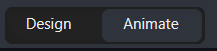
In Animate mode, the Editor changes to display everything you need to create your animations including, a timeline, animations list.
In this mode all properties can be animated by using the key icon next to them.

Also once a property has changed its value, a key is automatically inserted at current time in selected timeline.
To quickly switch between modes, you can use Tab key
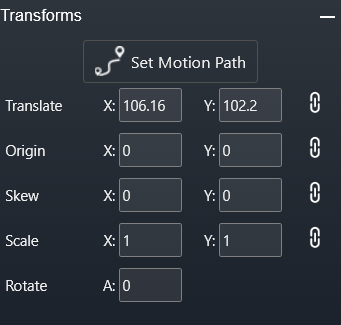
In design mode, new animations could not be created and any changes to element properties does not create new animations.
However, if property is already animated, this will work in the same mode as the animation mode - any changes will change animations as well.